
TAGS & FORMS

One scan connects your team to the information they need.

GuideTags give each device or tray a persistent identity, then connect people to inspection forms, damage reports, competency checks, readiness records, IFUs, photos, and repair evidence in one device-centered place.

Persistent identityOne tag. One record. Private by defaultSecure. Your data. Built for healthcareDesigned for device workflows.
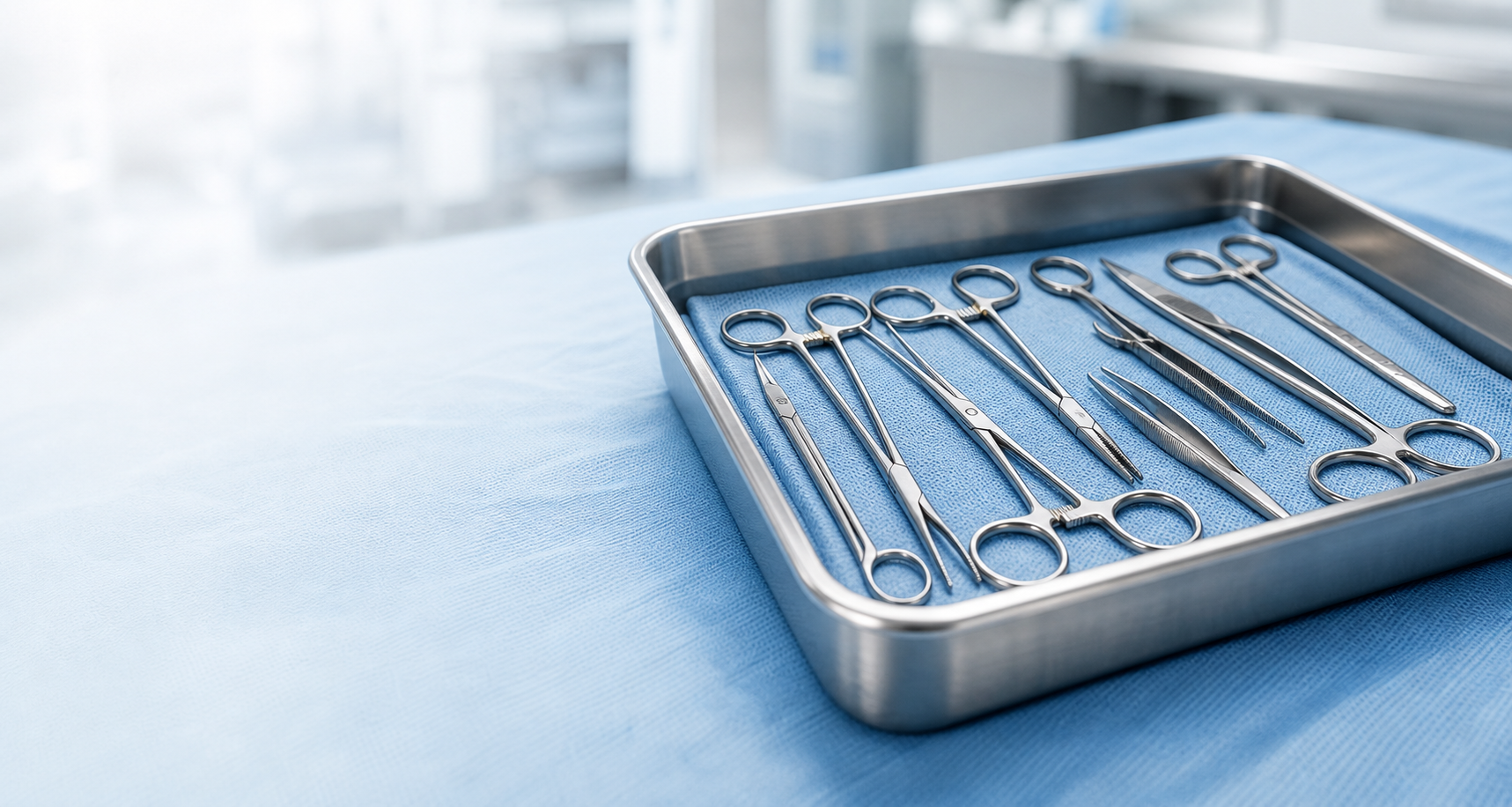
Stainless surgical tray with hemostats, needle holders, forceps, surgical scissors, and clamps on sterile blue wrap.
A-7X92 Avenue
A-7X92 Active

Orthopedic Instrument Tray

Central Sterile | Ortho Service
Attached forms & evidence

Condition photoToday, 8:42 AM
Inspection formMay 2, 8:15 AM
Repair evidenceApr 28, 2:31 PM
Return-to-serviceApr 28, 4:05 PM
View full record

Tag Options

Multiple ways to identify equipment and attach forms — without forcing every team into the same approach.

Avenue Manufactured Tags

Rugged, serialized GuideTags for equipment workflows, forms, and persistent device identity.

Request Tag Sample

Sticker Tags

Lower-friction starting option for pilots, demos, private workflows, and form capture.

Request Tag Sample

Existing Tags

Map existing facility or vendor identifiers into Avenue where feasible, so teams can connect current labels to device records and forms.

Request Access

Custom Tags

Custom GuideTag form factors for trays, instruments, carts, cases, vendors, and equipment flows.

Discuss Custom Tags

Connect the scan to the work your team needs to complete.

One GuideTag can open the right forms and resources for the device, while reusable templates keep workflows consistent across equipment.

One tag can connect your team to many forms

A-7X92 Avenue
Incoming InspectionDamage ReportRepair CompleteReturn to ServiceChain of CustodyCompetency Check

One form template can support many tagged devices

Incoming Inspection Template
A-7X92 B-4L10 C-2P79 D-9M33

What lives in the device record

Organize the identity, documentation, evidence, and status your team uses around the device.

Identity

  • UID / Asset ID
  • Manufacturer
  • Catalog / Model
  • Serial Number
  • Facility / Location
  • Workflow State

Documentation

  • IFUs / Manuals
  • Policies & Procedures
  • Forms & Templates
  • Training / Competency
  • Service Contracts

Evidence

  • Photos & Condition
  • Inspections
  • Repair Records
  • Chain of Custody
  • Readiness Evidence

Status

  • Readiness Status
  • Lifecycle Events
  • Last Activity
  • Next Due
  • Custom Alerts

From scan to readiness

A simple workflow that standardizes documentation and strengthens device readiness.

  1. 1 Scan Tag
  2. 2 Open Device Record
  3. 3 View IFU
  4. 4 Complete Form
  5. 5 Attach Evidence
  6. 6 Confirm Readiness
Incoming InspectionDamage ReportRepair CompleteReturn-to-ServiceChain of CustodyCompetency Check

Start private. Connect when ready.

Private

Use GuideTags and forms inside one organization first. Device records, IFUs, photos, policies, and evidence remain private to that operating environment.

  • Secure, role-based access
  • Your data stays yours
  • Designed for internal workflows

Connected

When permissions are enabled, the same GuideTag identity and forms can support authorized collaboration across healthcare device partners.

  • Share with service partners
  • Streamline vendor collaboration
  • Support clearer turnaround records

Ready to modernize device records?

Request access, order tag samples, or talk with our team about custom solutions.